

PixiSF
Design made simple.
⭐⭐⭐⭐⭐
# Graphic Design
Web Application
Features
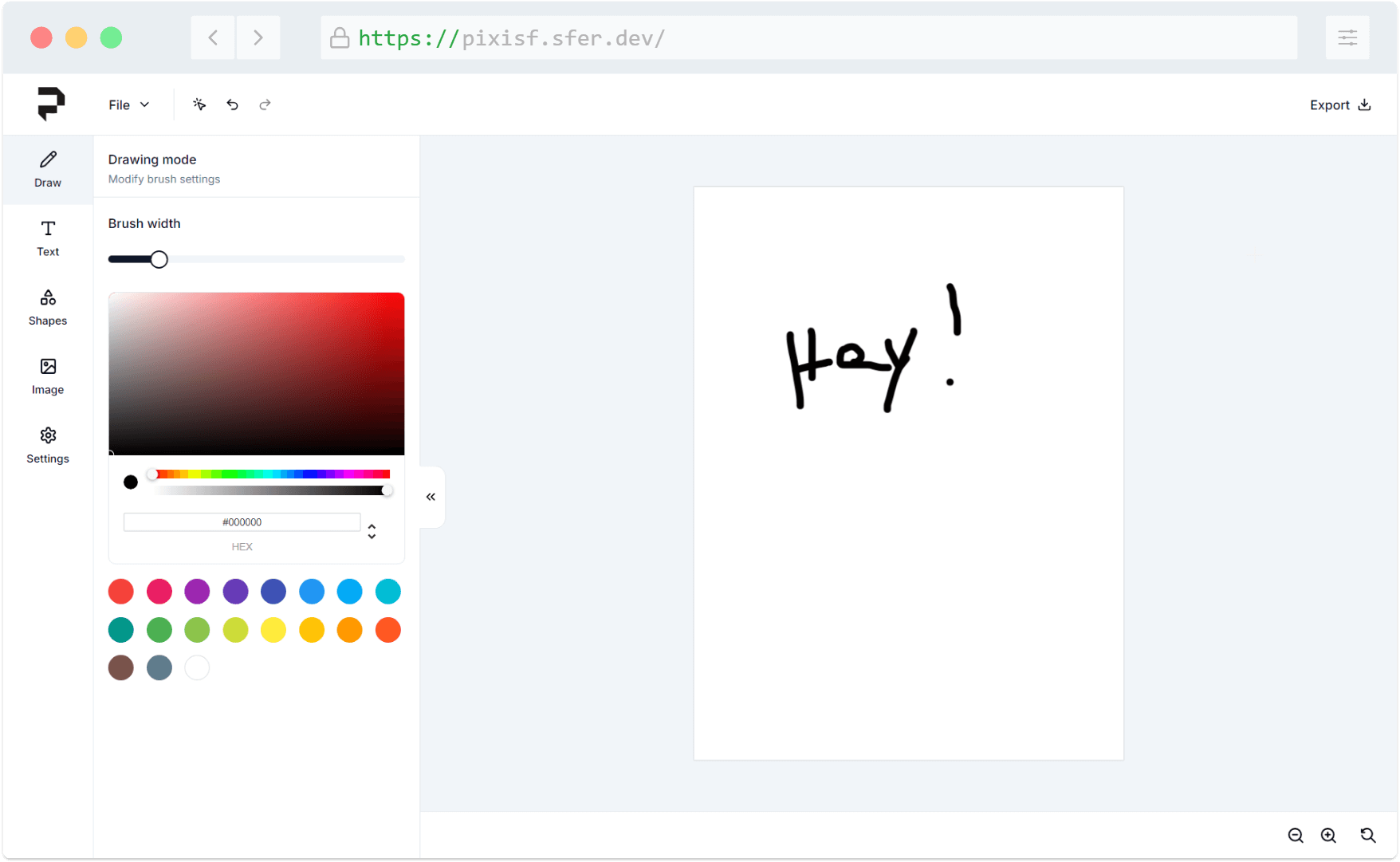
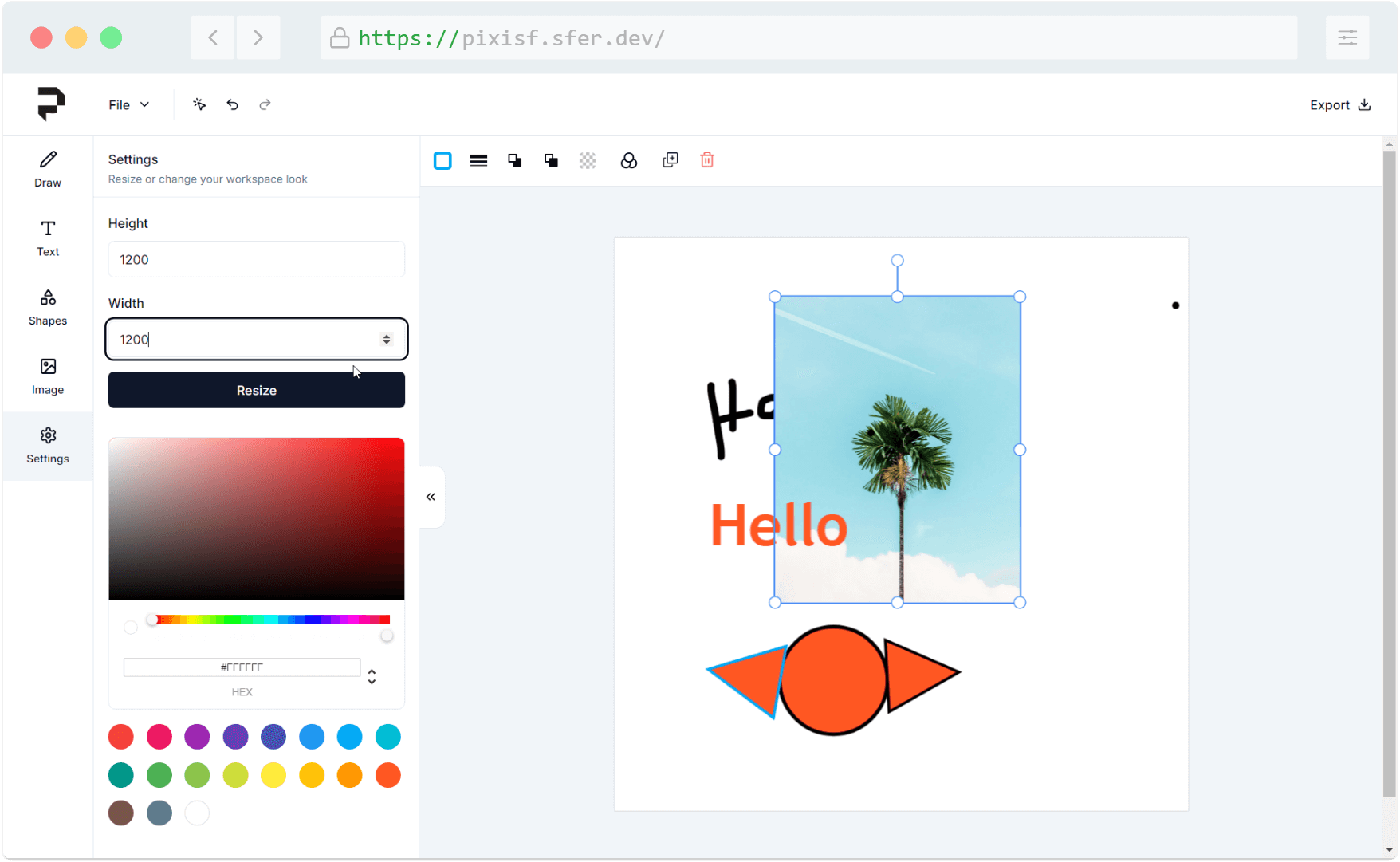
- Customize the workspace by easily changing its size and background color to suit your design needs.
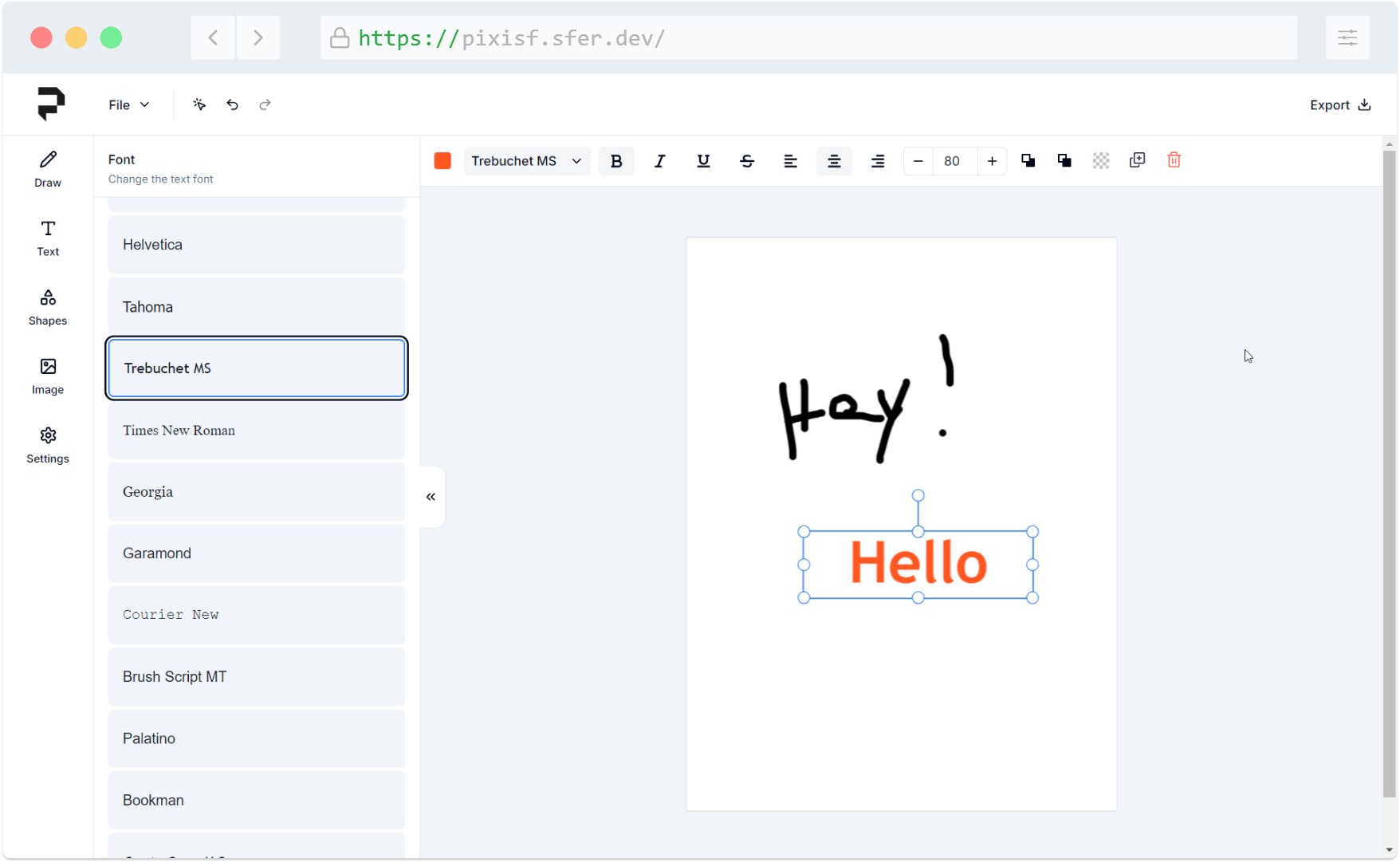
- Add text elements such as headings, subheadings, and paragraphs, with full control over color, font family, bold, italic, underline, strikethrough, text alignment, and font size.
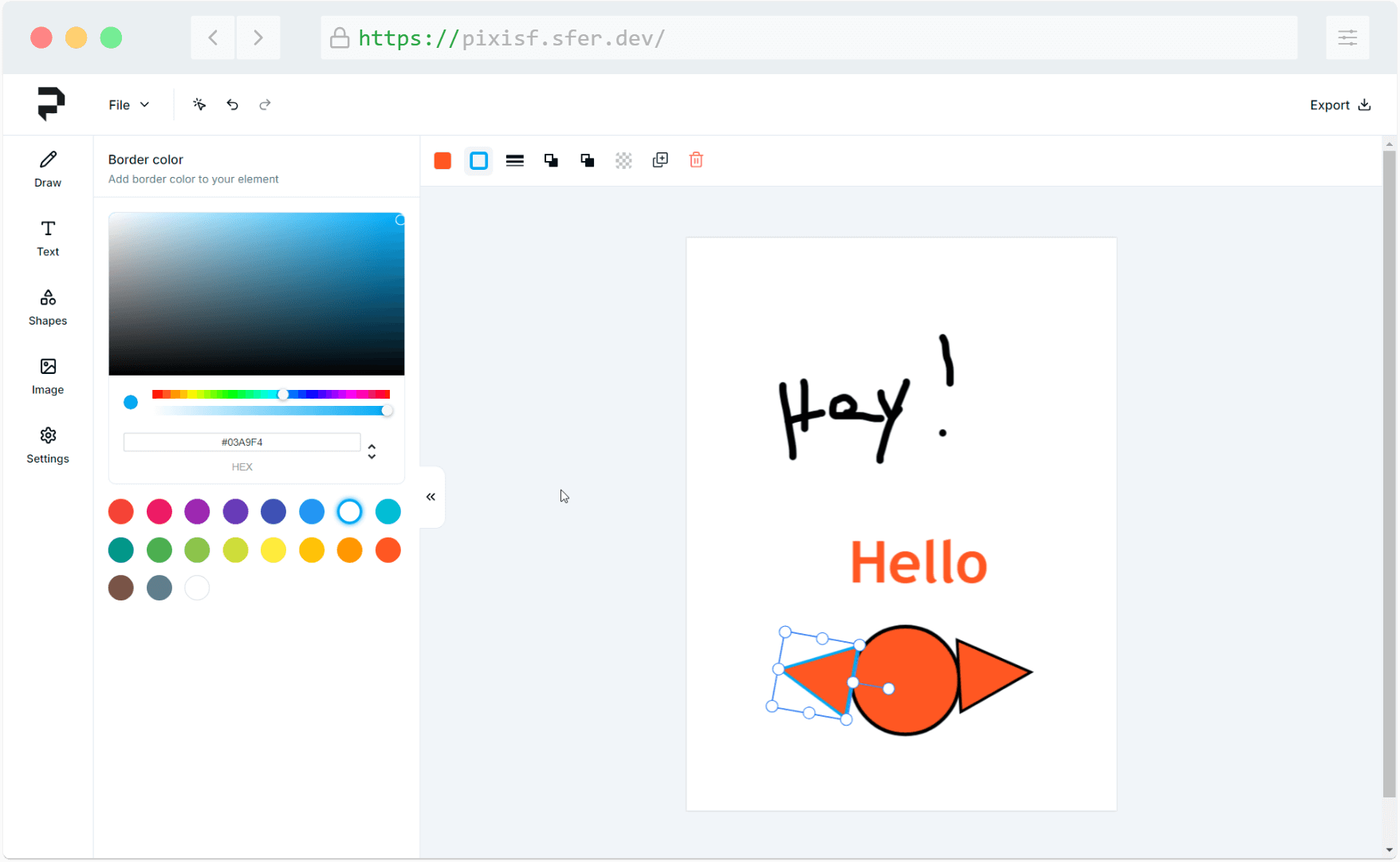
- Insert various shapes into your design, with the ability to customize both the fill and border colors for each shape.
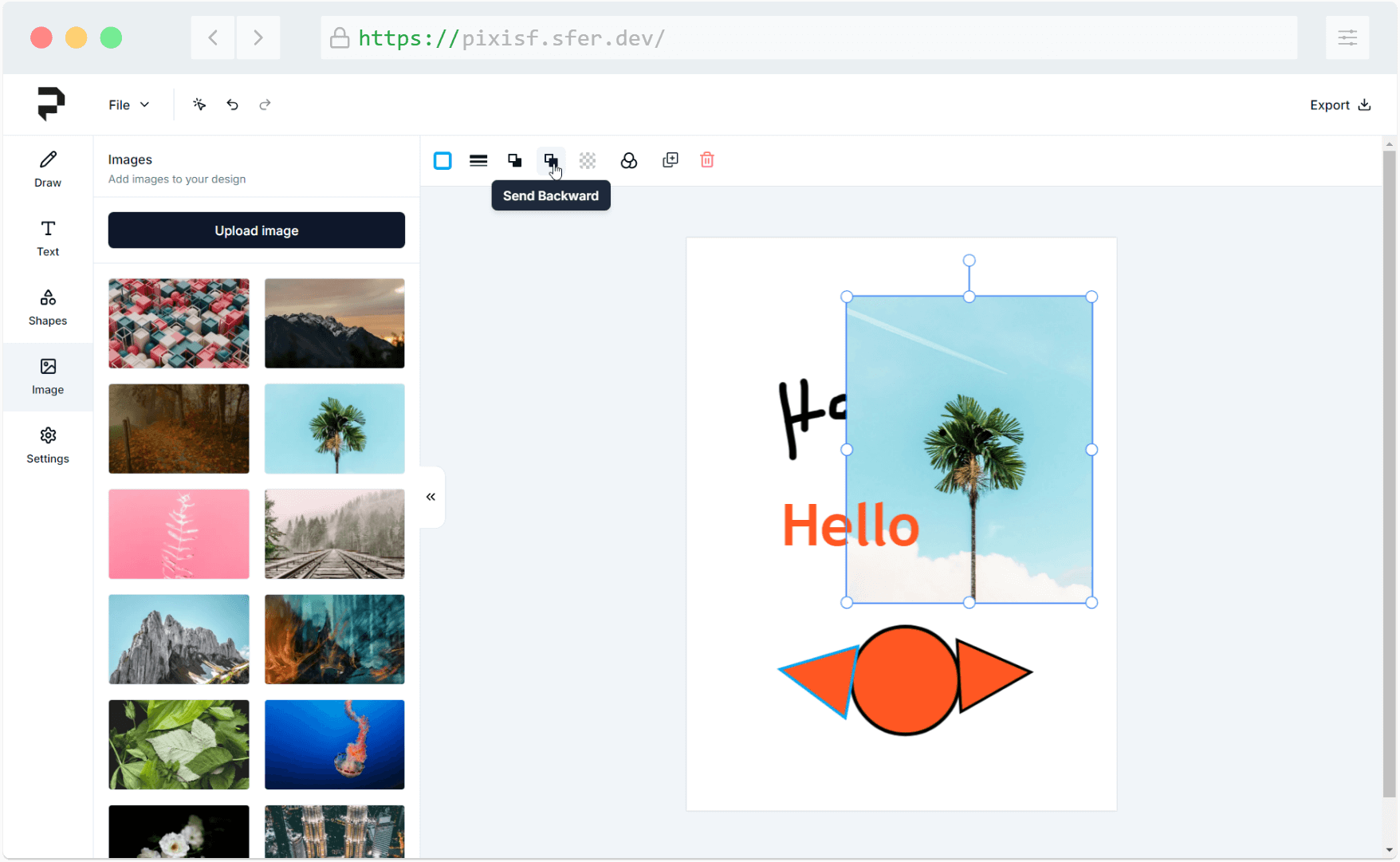
- Upload your own images or select from a library of default images to incorporate into your designs.
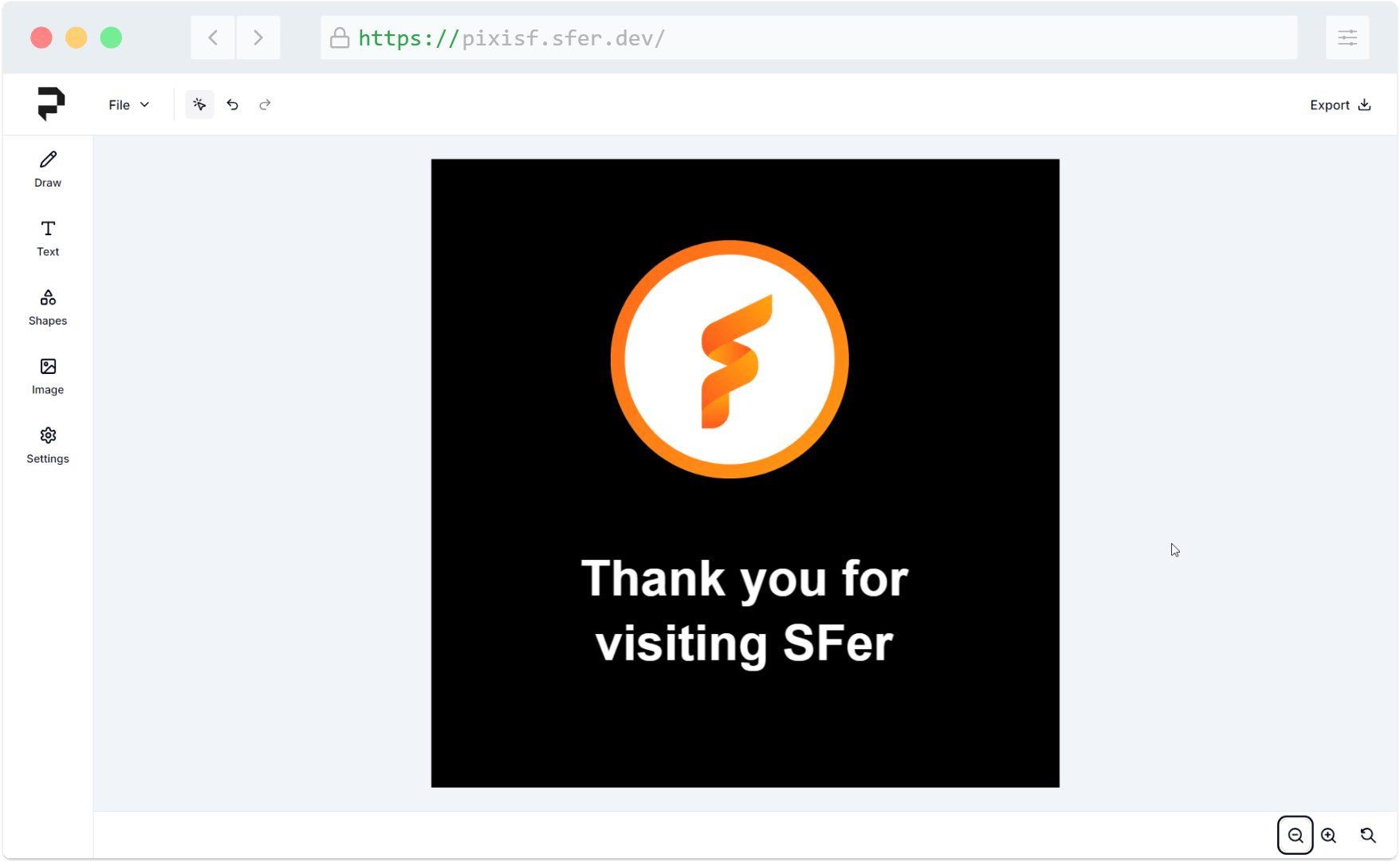
- Adjust your view by zooming in and out, or reset the zoom level to quickly return to the default view.
- Arrange elements by bringing them forward or backward, adjust their opacity for transparency effects, delete unwanted elements, or duplicate existing elements for faster design.
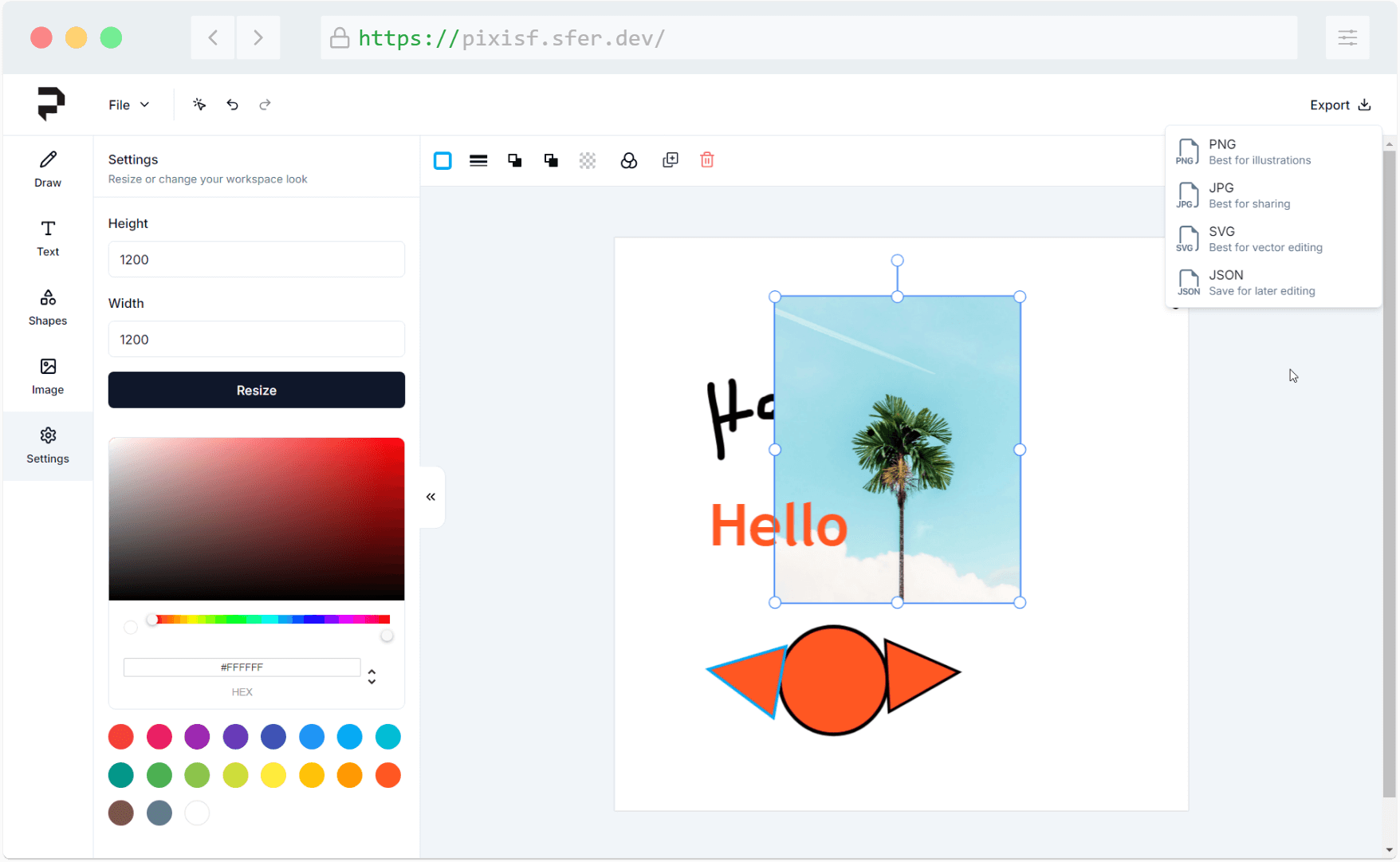
- Export your final designs in multiple formats: PNG, JPG, SVG for sharing, or JSON for saving and re-editing your work later.
- Enhance your workflow with convenient keyboard shortcuts or use the toolbar for actions like copying, pasting, undoing, and redoing your edits.
Motivation
We built PixiSF because we wanted to create a tool that makes image editing easy and accessible for everyone. We noticed that many design tools out there are powerful but can be overwhelming with too many features and a steep learning curve. Our goal was to simplify the process so that anyone, regardless of their experience level, could create beautiful images quickly and without frustration. We focused on making the basics easy to use while still offering enough flexibility to create something unique.